If you are using Artlook for sales and you wish to generate invoices and other financial documents then you must configure this part of the system.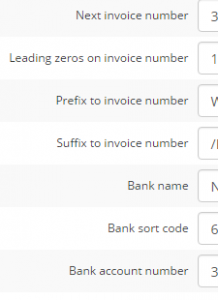
The next invoice number allows you to have continuity with your current invoicing system. Leading zeros will allow you to left-pad the number (eg invoice 435 can become 00435 if you select 2 leading zeros). You can also define a suffix, which could be useful to clarify that the invoice is generated by Artlook (eg sufffix “AR” would generate a “00435AR” invoice number.
Your bank name, sort code and account number will print on invoices to allow customers to pay you by BACS or direct bank transfer.
Don’t forget to save your changes!